
Help is here, 24/7
Instant AI assistants
Deploy AI assistants with a single click to help participants and your team using the portal's content.
Create specialized assistants for complex topics like logistics & transportation or volunteer scheduling.
No Bot-Hell: AI will always let people get in touch with you and your team if they want to.
Plan, run, repeat
Fill your event portals with all the things participants and your team needs to know: agenda, instructions, directions, FAQs, files, videos, checklists, and more.
Use chat channels to coordinate preparations, day-of-event activities, and post-event learnings.
Forms, checklists, and file sharing help you and your team to organize information and engage with participants and volunteers.
Event planner
Collect information from participants and voluunteers
Chat channels
Team only & general chat channels
File sharing
Granular permissions to set who can upload and see them
Checklists & Polls
Track progress on preparations and collect feedback
Engage with your stake holders
Event planner
One place to collect all your plans: agenda, files, checklists, logistics, FAQs, forms, polls, and more.
Chat channels help you coordinate the planning phase with your team, volunteers, board, or steering committee.
Inform participants
Event portal
Participants access all relevant information about the event with an instant magic link.
Share agenda, logistics, FAQs, and files with your participants.
Ask questions with forms, polls and chat channels so you can create the best experience.
Instant transactions
Personalized insights
Real-time alerts
Efficient bill payments
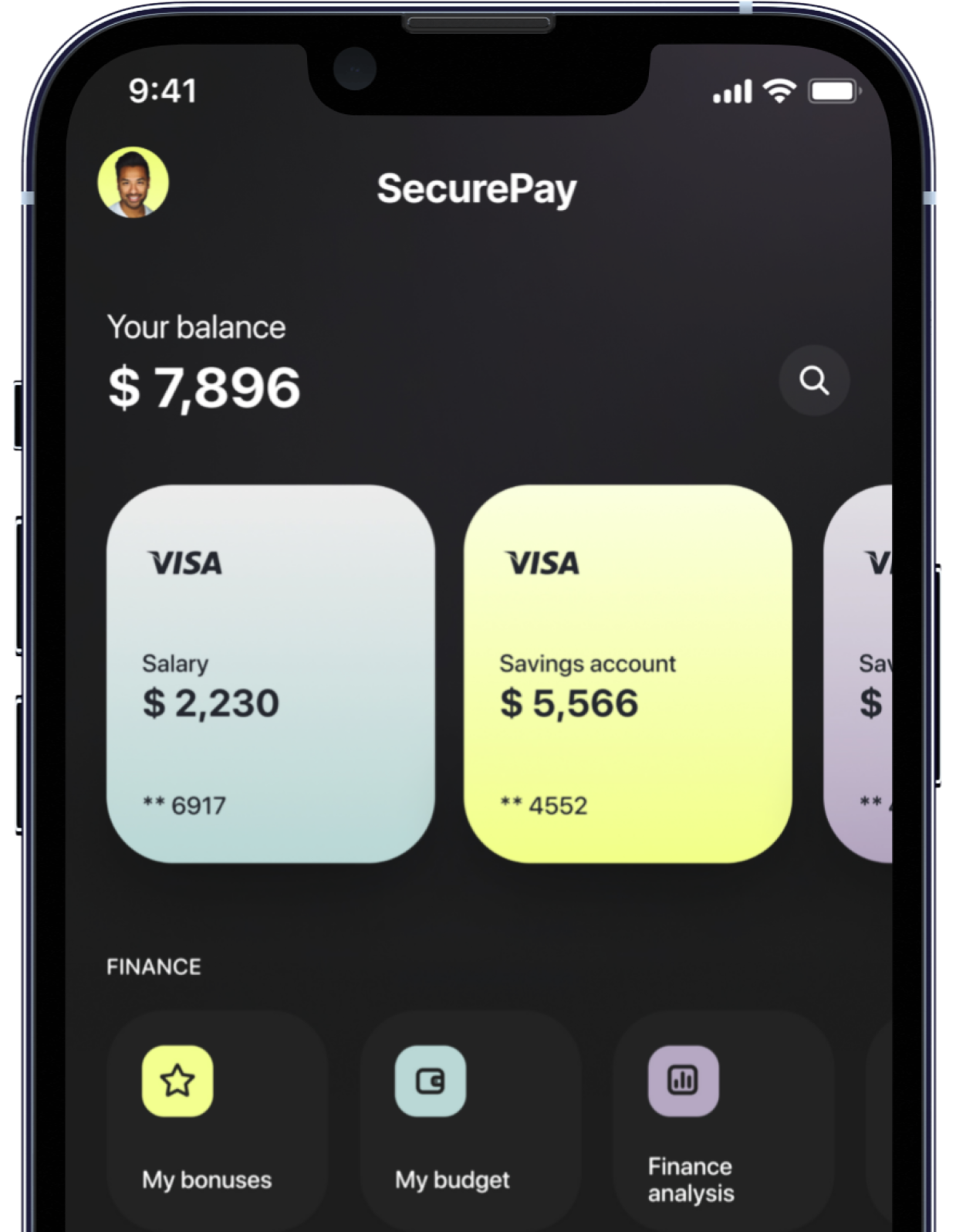
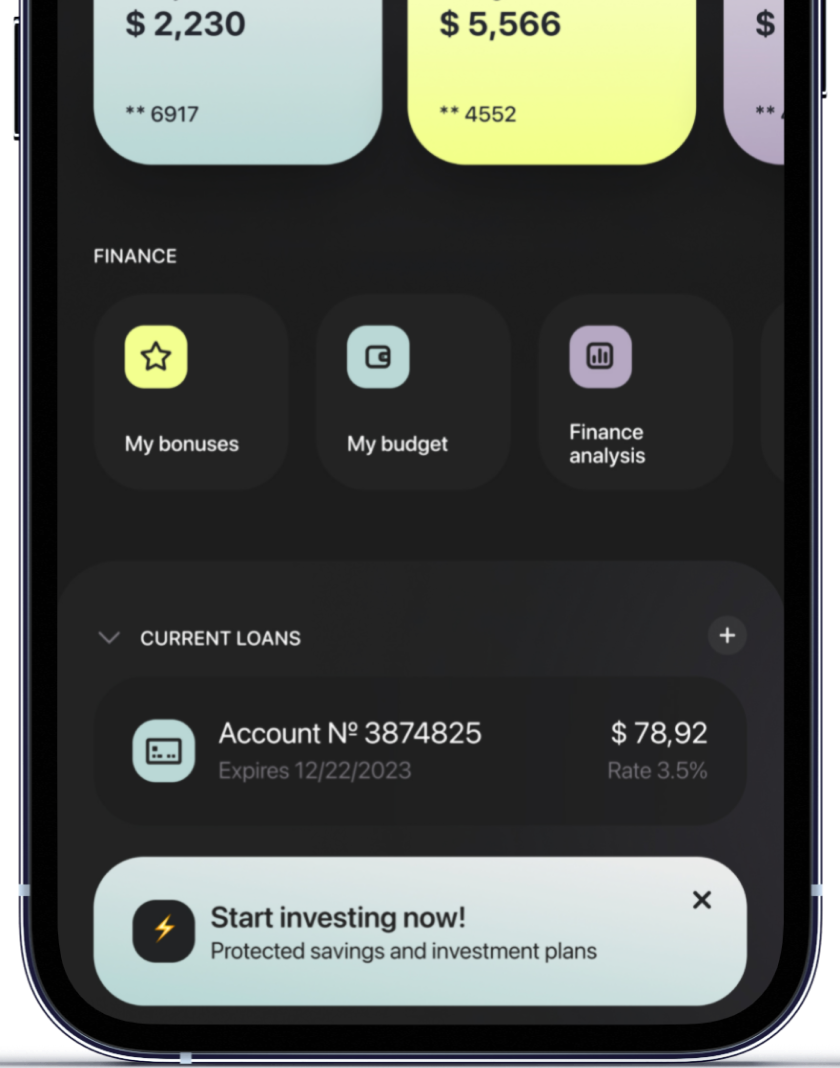
Access key features, receive alerts, and manage your finances from the palm of your hand, ensuring banking fits seamlessly into your lifestyle.
One app.
One banking.
-
How do I open a SecurePay account?
Describe the item or answer the question so that site visitors who are interested get more information. You can emphasize this text with bullets, italics or bold, and add links. -
How do I order a new card?
Describe the item or answer the question so that site visitors who are interested get more information. You can emphasize this text with bullets, italics or bold, and add links. -
How do I change my account limits?
Describe the item or answer the question so that site visitors who are interested get more information. You can emphasize this text with bullets, italics or bold, and add links. -
What's SecurePay Premium?
Describe the item or answer the question so that site visitors who are interested get more information. You can emphasize this text with bullets, italics or bold, and add links. -
Can I have more than one SecurePay account?
Describe the item or answer the question so that site visitors who are interested get more information. You can emphasize this text with bullets, italics or bold, and add links.